.png)
What's new at Checkmate: Renewals, smarter forms, email templates and more
We've been heads down this quarter, and there's a lot to show for it. Four updates have landed in Checkmate, all of them shaped by feedback from the people actually using the platform day to day. Some are big structural changes, some are the kind of thing that just makes your daily experience noticeably better, but all of them are designed to save you time, reduce risk, and make screening feel less like admin.
Here's what's new at a glance:
- Renewals — automate recurring compliance checks so nothing slips through the cracks
- Forms & Questionnaires — rebuilt from scratch with smarter branching and built-in risk flagging
- Email Templates — send branded candidate comms that actually look like you
- Candidate Dashboard — cleaner, faster, easier to navigate
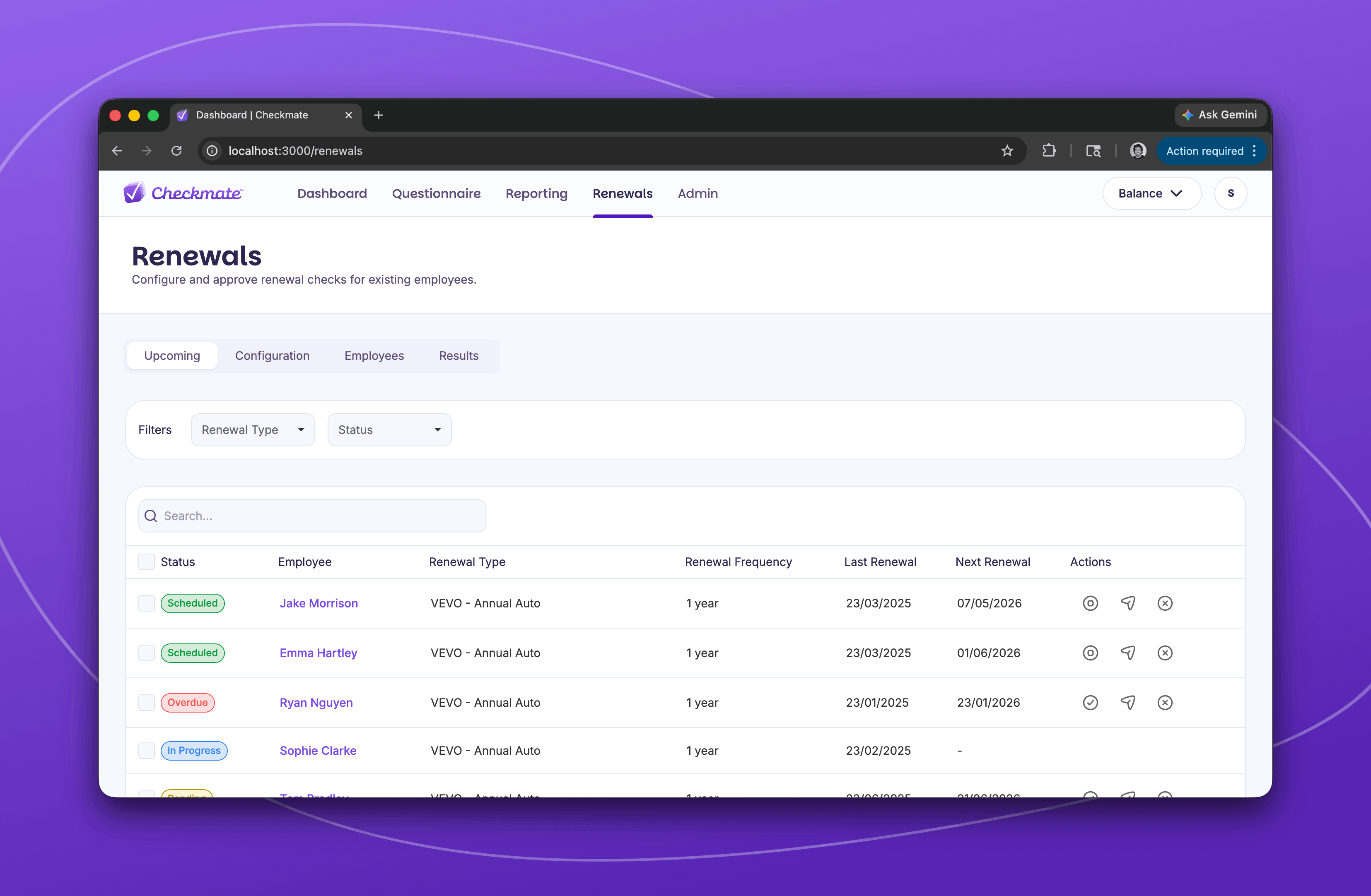
Compliance made easy with automated Renewals
Most businesses do a great job screening candidates before they start. But between the spreadsheets, competing priorities, and the sheer volume of hiring, it's easy to let ongoing compliance slip.
Renewals in Checkmate is built to fix this. It automates your ongoing compliance by re-running checks automatically based on expiry dates, at fixed intervals, or conditions you set yourself based on the check type. If something changes in an employee's status, you're flagged early rather than finding out when it's already a problem. Every renewal is logged and reportable, so if an audit comes up, you're not scrambling to pull things together.
Renewals is still in beta, and we're working with customers directly to refine it ahead of a full release. If you'd like to be part of shaping it, we'd love to hear from you.
Forms and questionnaires just got a serious upgrade
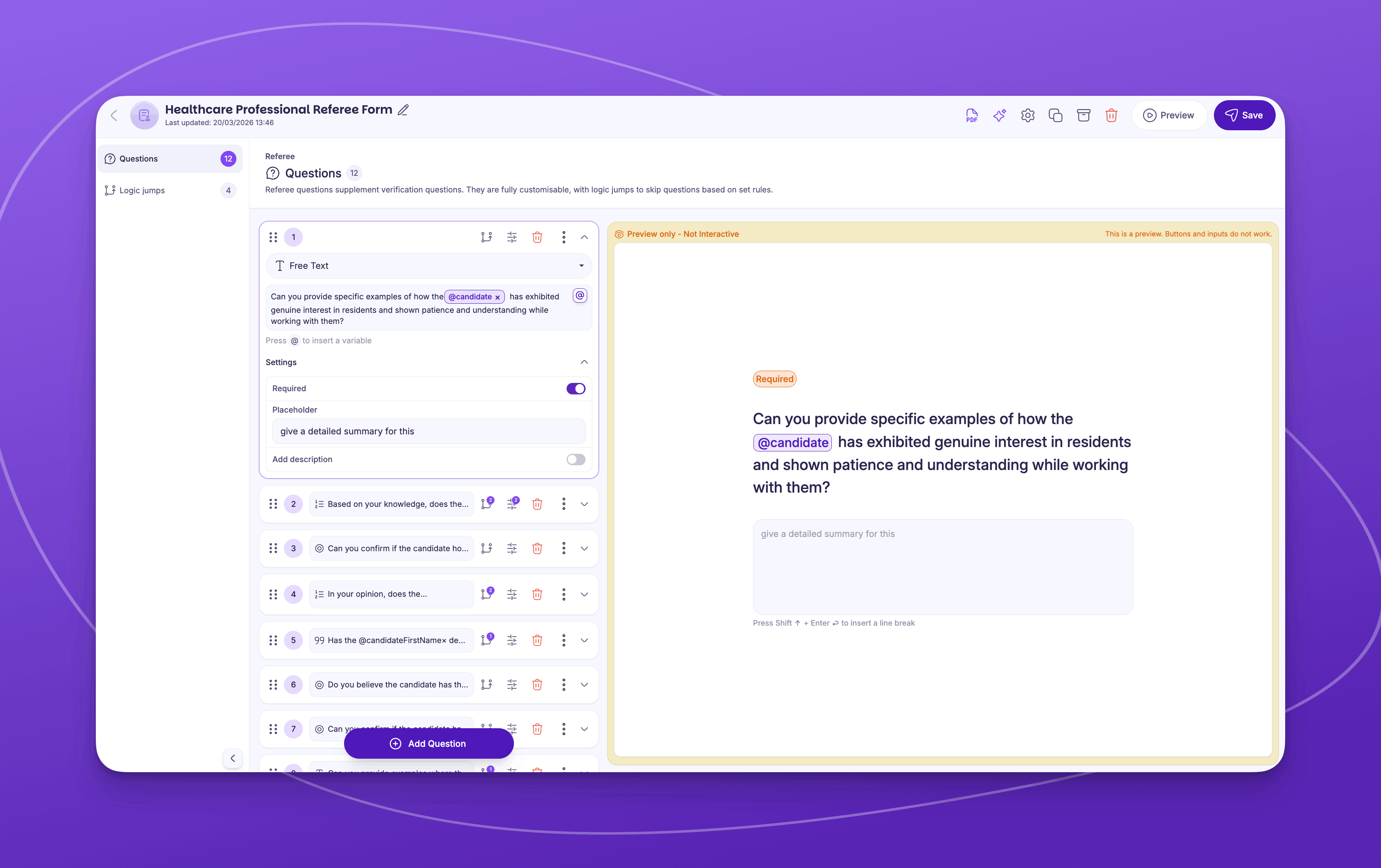
Creating and managing forms shouldn't feel messy or time-consuming, but when everything lives in different places it's easy to lose consistency, miss risks, or slow your hiring process down without even realising it. So we rebuilt how forms work in Checkmate to make things simpler, clearer, and more reliable from the start.
Everything now lives in one organised place, with your questionnaires, candidate forms, and referee forms all managed from a single view. Questions can be tailored based on responses with a clear visual flow so you can see exactly how it all works before you deploy it. Risky responses get flagged automatically, and you can block a submission from completing if a key condition isn't met. It also auto-saves continuously as you go, which sounds like a small thing until you've lost 45 minutes of work because something timed out.
If you're already using Checkmate, the update is live in your account. If you're not, this is the kind of detail worth seeing in a demo.
Candidate email templates that represent your brand at every step of the screening process
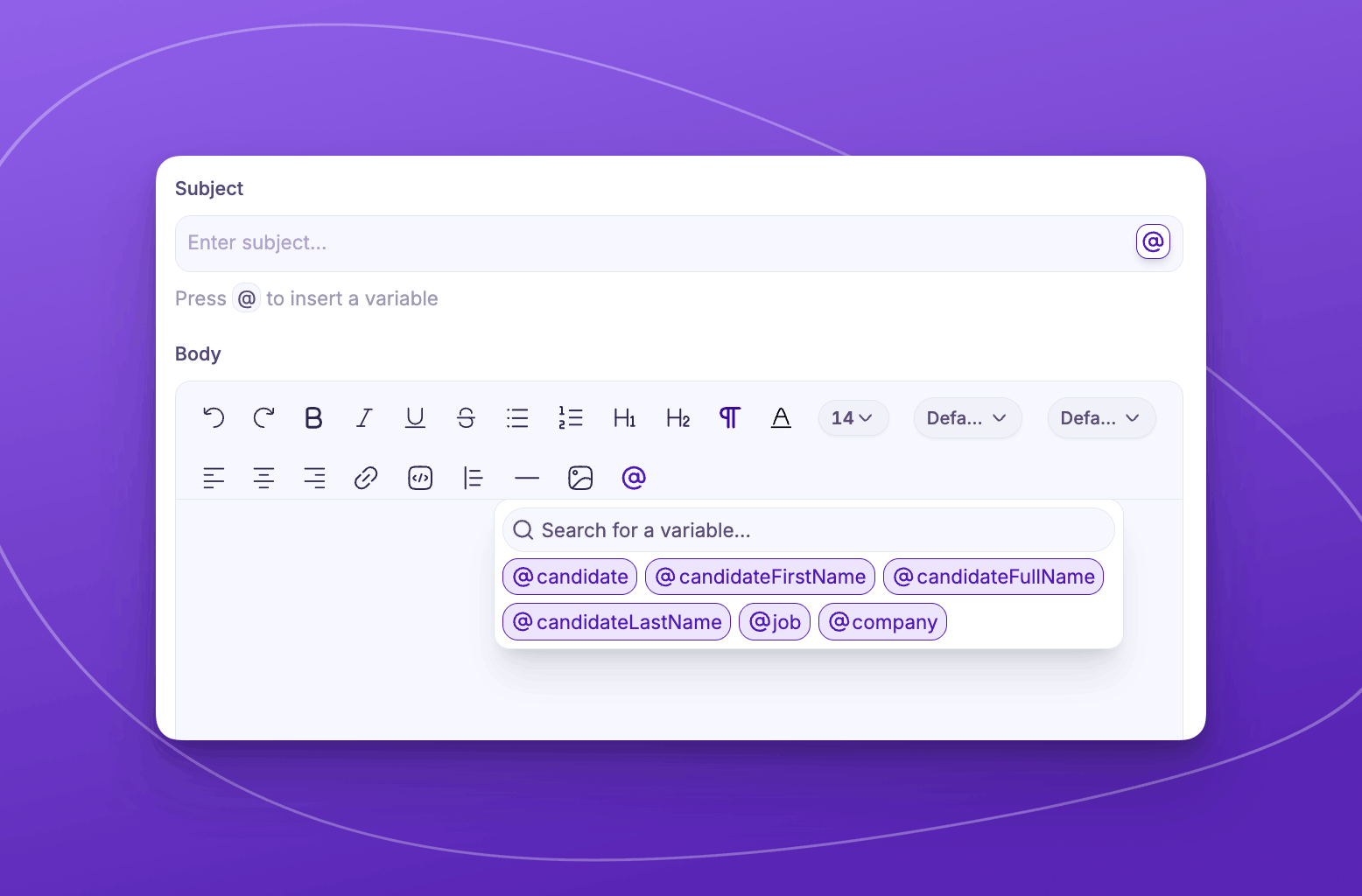
Every touchpoint shapes how a candidate feels about joining your company, and the screening process is a bigger part of that first impression than most people realise. Email Templates gives you a lot more flexibility over how you communicate with candidates throughout screening. You can create and save as many branded templates as you need, tailored by use case, role, or stage of the process, all built using a visual editor with dynamic variables, so you can see exactly what candidates will receive before anything goes out.
A refreshed candidate dashboard
Say hello to a more seamless experience in the new Candidate Dashboard. We’ve updated the dashboard to reduce clutter and make it easier to find what you're looking for without having to dig.
Dynamic columns display the right information on any screen size, filters are more comprehensive and persist throughout your session, and sortable table columns let you view your data exactly the way you want.
It's a small change that makes a noticeable difference when you're in the platform every day.
Checkmate customers can explore the update here.
.png)
You shape what we build
Got an idea? Our Feedback Hub, powered by Supahub, is where you can share feedback, upvote others, and track how your input shapes what we build next.
We read everything. And when something gets enough traction, it moves up the list.
.png)

